
Quick links
Most people are using ChatGPT Images 2.0 like a toy.
They type one prompt, hope for the best, then wonder why the output looks random.
That is not the move.
The better move is to turn it into a carousel engine.
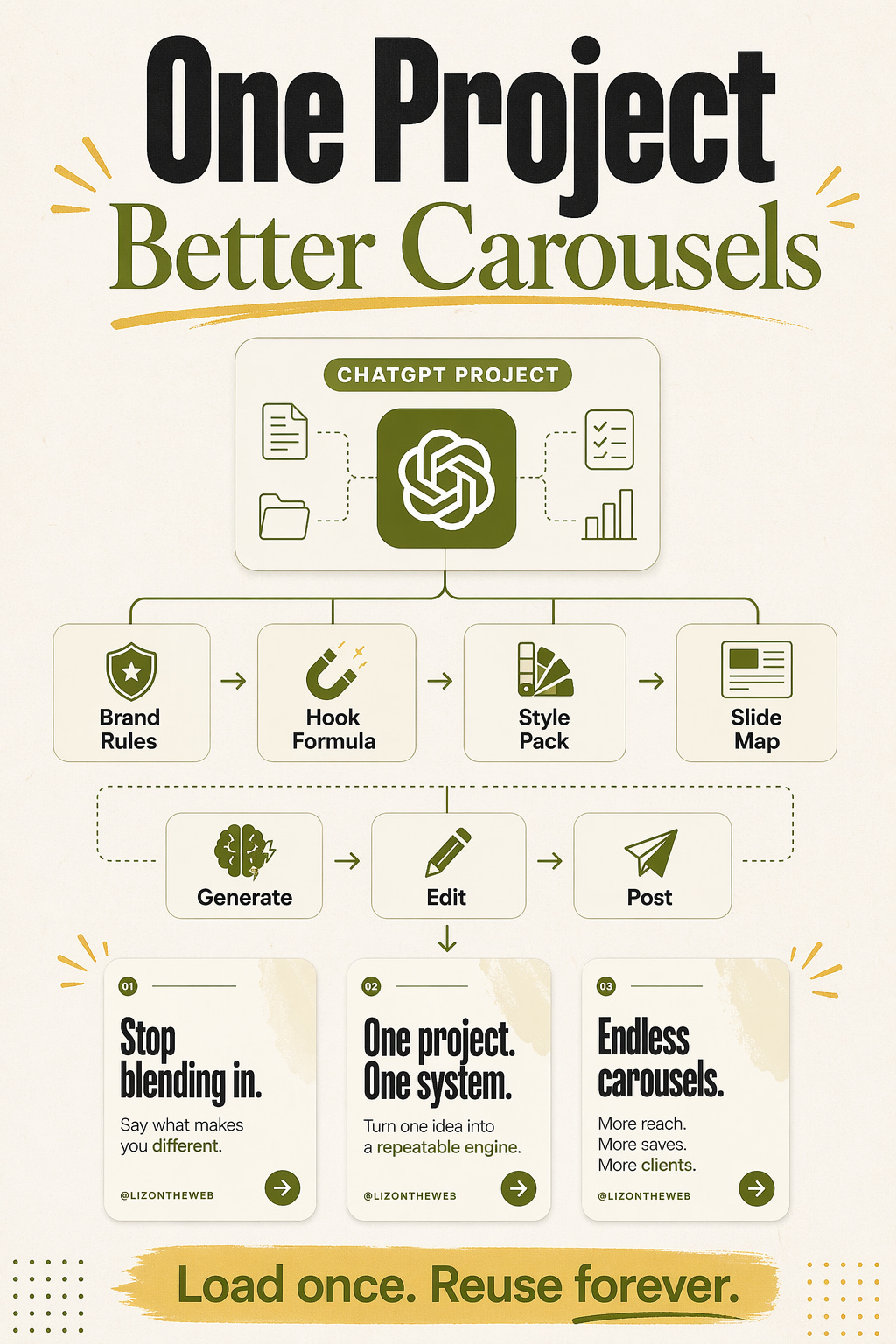
That means one ChatGPT Project that already knows:
who you help
what your brand looks like
how your hooks work
how your carousel structure works
what kind of CTA you want at the end
Once that is set up, you are not starting from zero every time.
You are running a system.
And systems are how you make content faster, cleaner, and more consistent.
I think this is one of the biggest missed opportunities inside ChatGPT right now.
Not because the image model is magic.
It is not.
It still needs direction.
But it is finally good enough at text, layout, edits, and instruction-following that beginners can use it to make carousel content that looks sharp, on-brand, and built for reach.
If you set it up the right way.
What changed
The new ChatGPT Images experience is much better for carousel work than the old "make me a random AI image" flow.
Here is what matters most for this use case:
it follows detailed instructions better
it handles text inside images much better than older image tools
it can edit and improve an image instead of making you restart from zero
it works well inside a Project, so your instructions, files, and context stay together
it keeps your generated images in one place so you can reuse and refine them
That is the unlock.
Not "wow, it can make a pretty image."
More like: it can now hold enough context to behave like a repeatable content system.
What most people will do wrong
They will tell ChatGPT:
make me a viral carousel about productivity
Then they will get something generic.
Generic hook.
Generic colors.
Generic layout.
Generic CTA.
That happens because the model was never given the things a good designer or strategist would need.
It does not know:
your audience
your offer
your voice
your brand colors
your favorite font direction
your slide count
your text density preference
your swipe cue style
your CTA goal
your content formula
So it fills in the blanks with average choices.
Average in = average out.
The real play
Use one ChatGPT Project like your own mini carousel studio.
Inside that Project, load:
your brand profile
your carousel rules
your viral slide formula
your style pack prompts
your CTA rules
your "avoid this" list
Then every time you want a carousel, you do not ask it to "be creative."
You ask it to run your system.
That is a huge difference.
What your carousel engine needs to know
If you want this to work well, your Project needs six layers of instruction.
1. Brand basics
This is the foundation.
It should know:
brand name
niche
target audience
tone
voice profile
color palette
font direction
CTA style
2. Audience language
This part matters more than people think.
Your carousel should sound like your audience.
Not like a marketer trying to sound smart.
If your audience is beginners, your words need to feel simple, clear, and fast.
3. Slide structure
This is where most reach comes from.
A strong carousel is not just pretty.
It has structure.
It pulls people forward.
That means:
a scroll-stopping hook
one main point per slide
open loops
curiosity-gap leading lines
a clean end CTA
4. Visual rules
This is where you stop the model from drifting.
You want it to know things like:
use `4:5` portrait unless told otherwise
default to `6` slides for educational carousels
keep text large and easy to read
do not cram too much copy on one slide
keep strong contrast
use subtle swipe cues on early slides
5. Style packs
Not every carousel should look the same.
That is why the best setup is one master Project with style add-ons.
So your base system stays the same, but the visual flavor can change.
I like having separate add-ons for:
infographic
ultra-bold
minimalist
editorial
whiteboard / sketchnote
6. Self-check rules
This is one of the biggest upgrades you can make.
Tell ChatGPT to check its own work before it shows you the final result.
It should ask itself:
Is the hook strong enough?
Is the text too small?
Is each slide focused on one idea?
Do the leading lines make me want to swipe?
Does the CTA fit the goal?
Does this feel on-brand?
That one layer will save you a lot of ugly drafts.
The simple beginner workflow
If you are brand new to this, keep the process simple.
This is the order I would use:
1. Create one Project in ChatGPT for carousels only.
2. Add your brand profile and your carousel rules.
3. Add one style pack.
4. Ask for hook options first.
5. Ask for the slide outline second.
6. Ask for the production pack third.
7. Generate the slides one by one after that.
8. Ask for fixes after that.
The mistake is asking for everything at once.
That is how people get bad output and blame the tool.
Split the job into stages.
First strategy.
Then structure.
Then visuals.
Then cleanup.
The five style directions I would build first
These are the first five I would load into the Project.
They cover most of what creators need.
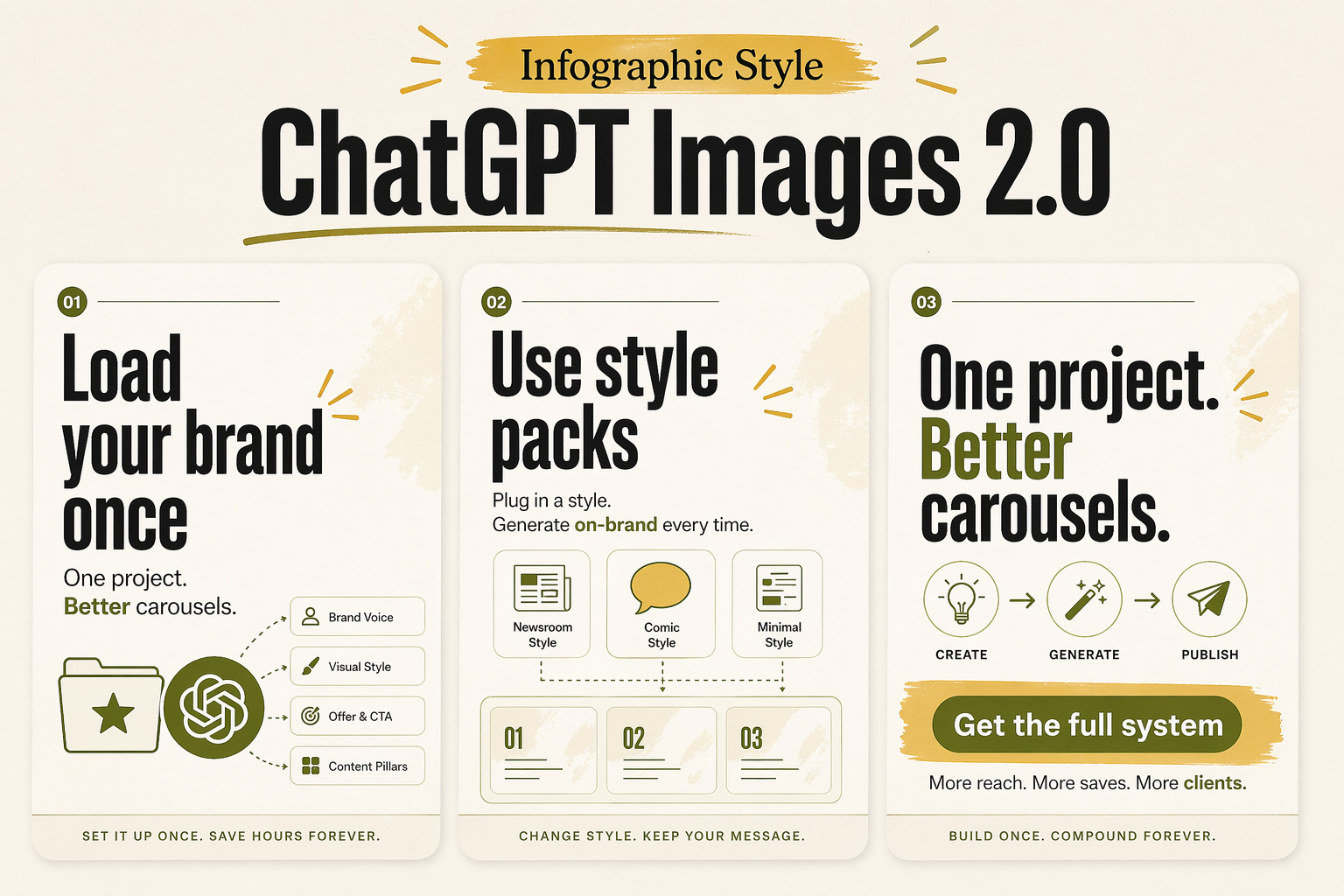
1. Infographic
Best for:
tutorials
frameworks
checklists
process posts
comparison posts
It feels smart, useful, and saveable.
2. Ultra-bold
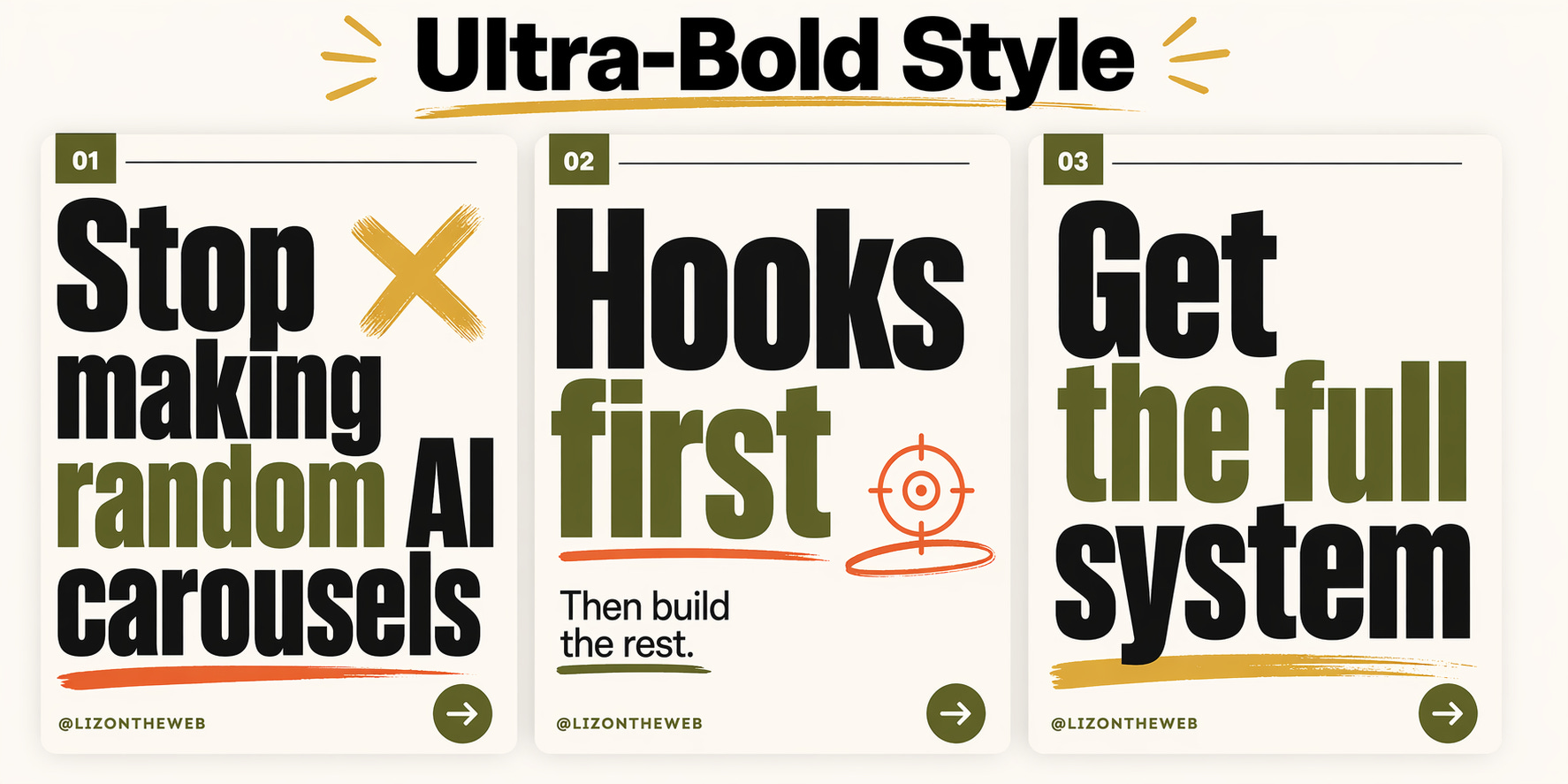
Best for:
hot takes
myth busting
strong opinions
fast hooks
simple punchy ideas
It is loud in a good way.
3. Minimalist
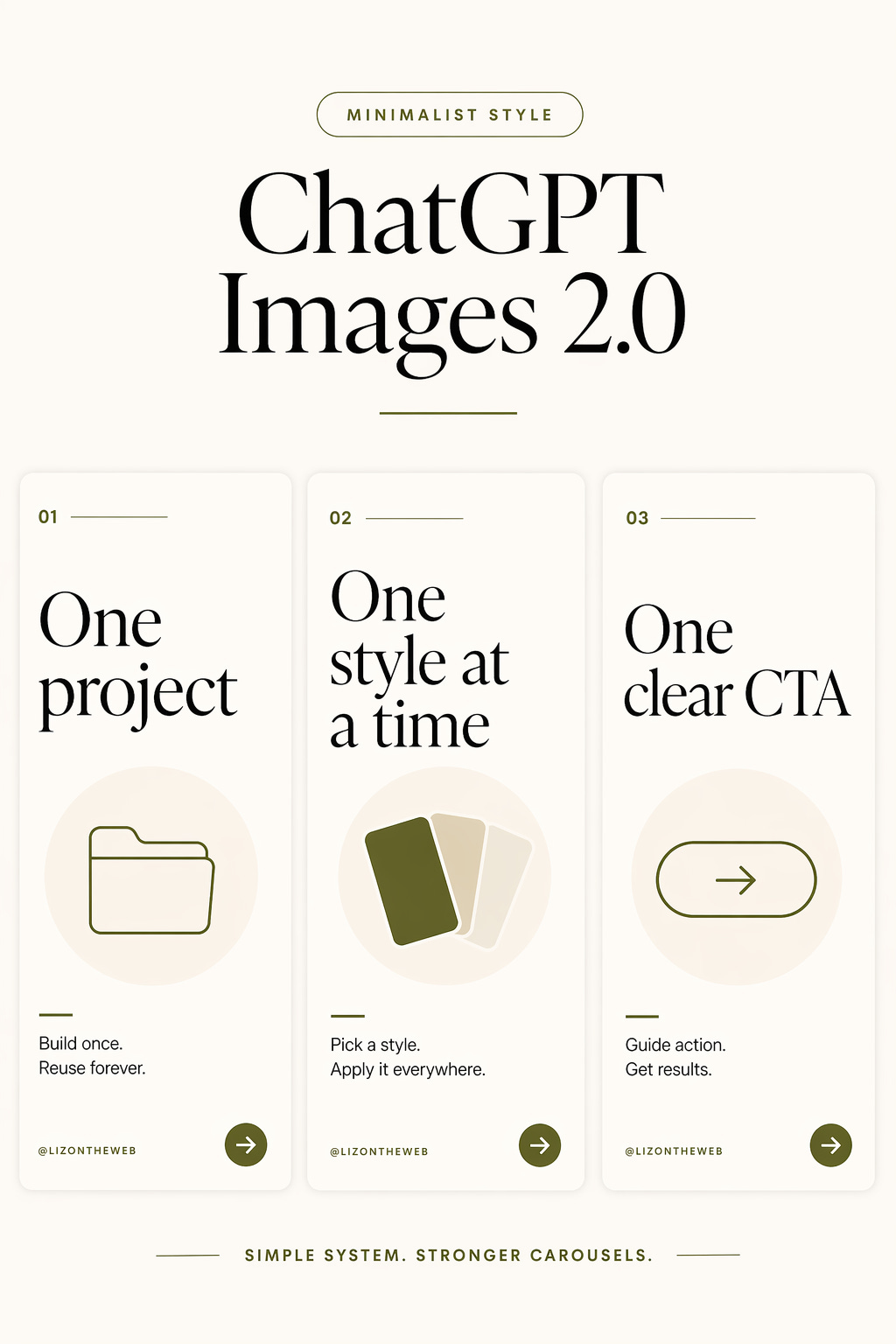
Best for:
premium brand feel
simple ideas
authority content
quiet confidence
It looks clean and expensive.
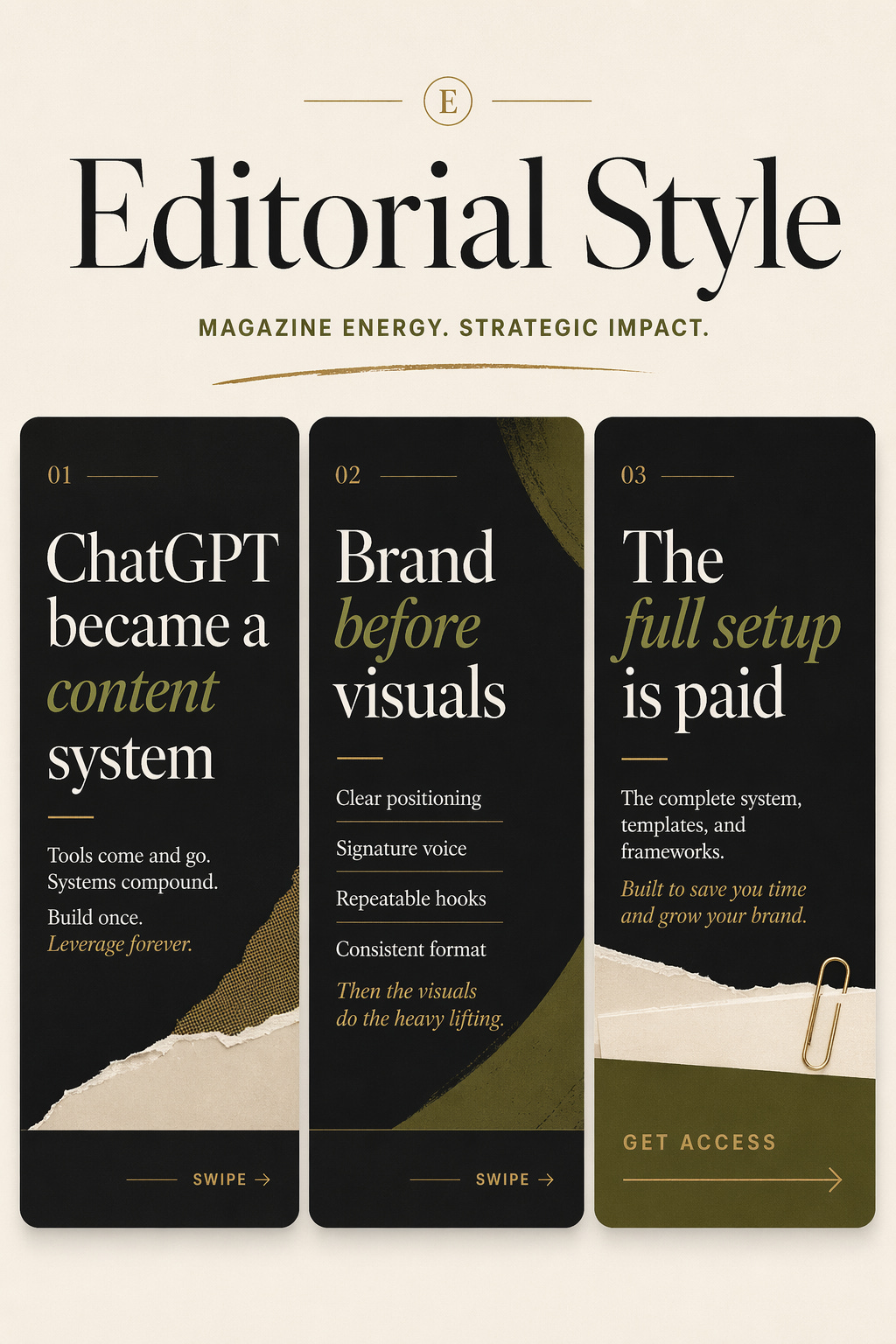
4. Editorial
Best for:
founder content
premium personal brand content
trend breakdowns
more grown-up thought leadership
It feels like a magazine, not a meme.
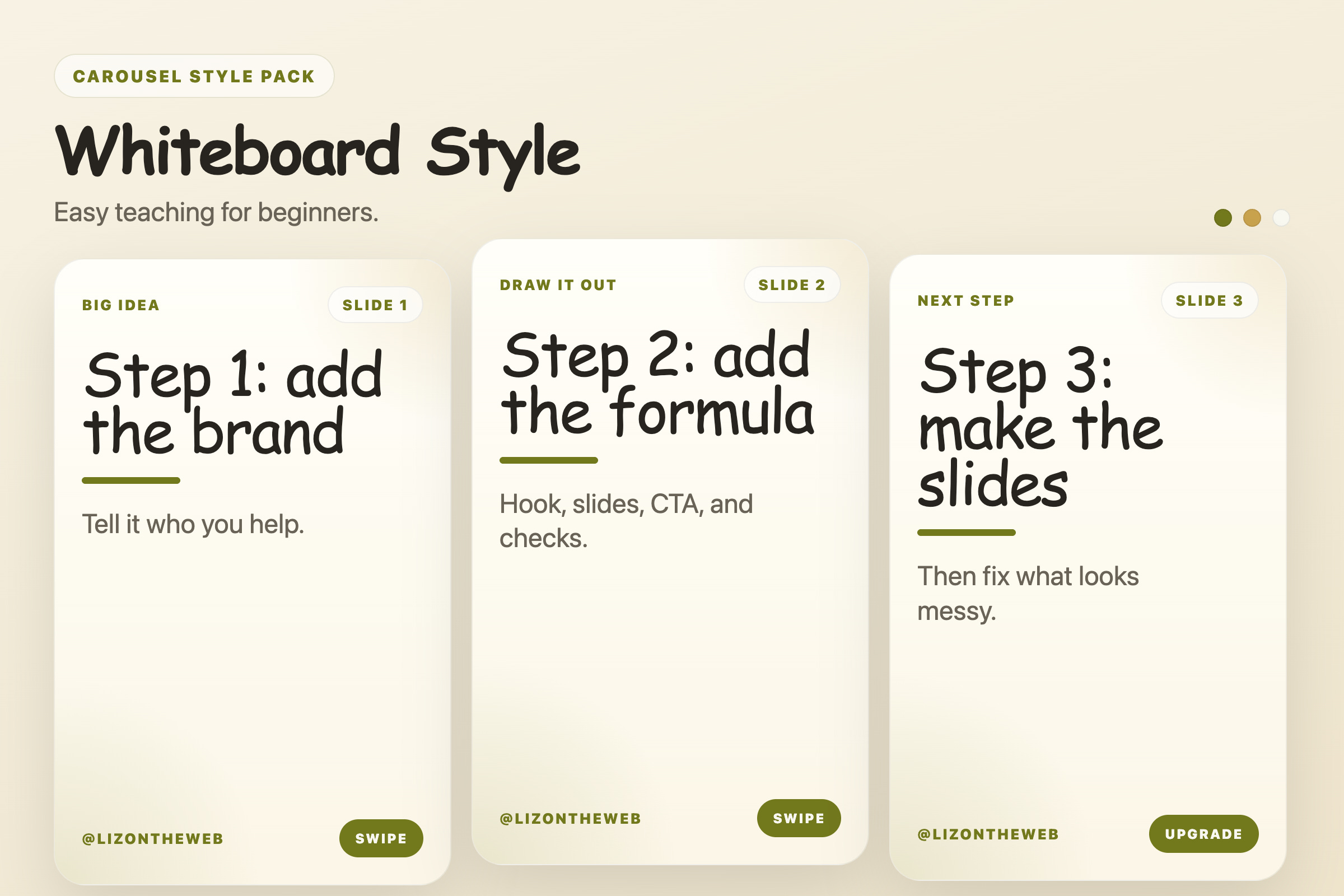
5. Whiteboard / sketchnote
Best for:
teaching
step-by-step lessons
simple systems
beginner education
It feels more human and less polished.
That can help.
Mistakes that make AI carousels look cheap
This part matters.
Because the tool can do a lot now.
But it can still make bad work very fast.
Here are the biggest mistakes I see:
Asking for a whole carousel with no strategy
If you do not give it the hook style, slide goal, and CTA goal, it will make random choices.
Putting too much text on one slide
This is the fastest way to make the output feel low-quality.
Big text wins.
Tiny dense paragraphs lose.
No brand rules
If you do not load your colors, voice, and visual direction, it will keep drifting.
Weak hooks
If slide one is boring, the rest does not matter.
No leading lines
People need a reason to keep swiping.
That reason should be built into the copy.
One generic style for everything
That makes your content feel flat.
Different topics need different looks.
Posting the first draft
Do not do that.
Always run one clean-up pass.
Where this gets really powerful
Once your Project is loaded correctly, you can use the same system for:
Instagram carousels
LinkedIn slides
X visual threads
lead magnet graphics
mini educational decks
visual breakdowns inside your own paid content
You are not just learning a prompt.
You are building a reusable content engine.
That is the part most people are sleeping on.
What paid readers get below
Paid readers get the full copy-paste system.
That includes:
the exact master ChatGPT Project instructions
the fill-in-the-blank brand setup
my viral carousel structure
hook rules
curiosity-gap leading line rules
style add-ons for fifty-four carousel looks
repair prompts for messy drafts
CTA bank
QA checklist
If you want the full reusable version, upgrade here:
Upgrade to paid and unlock the full carousel engine
Subscribe to unlock this article now
Click the button below, subscribe, and the locked section in this article opens right away.
You get this article now, not only future posts.
Inside this post, you unlock:
The full paid section below.
The steps, prompts, numbers, screenshots, or templates included in this post.
The mistakes, fixes, and examples I kept behind the paywall.
The next paid articles as they drop.
